
Roseville People Directory Landscape
The useful people directories serving Roseville are split among city, county, school, college, and state keepers. No single list covers everyone. The City of Roseville publishes department contacts and a detailed police email-and-phone list. Roseville Joint Union High School District and Sierra College maintain education directories. Placer County record indexes can act as directories when a name is tied to a deed, parcel, tax bill, or court case. State portals cover personnel offices, business filings, and licensed professionals.
| Directory Source | People or Entries Listed | Keeper | How to Access It |
|---|---|---|---|
| Police email and phone list | Command staff, officers, and management staff | Roseville Police Department | Public web list |
| RJUHSD staff directory | Teachers, support staff, drivers, and school personnel | Roseville Joint Union High School District | Public alphabetical directory |
| Sierra College directory | Employees, offices, and departments | Sierra College | Public web directory |
| Property and tax rolls | Owners, lien-date owners, and mailing contacts | Placer County | Parcel, assessment, or address search |
| Business and license lookups | Entity agents, registrants, and licensees | California and Placer County agencies | Public portal or office record |
| Local History Center | Past residents represented in documents, photos, and family files | Roseville Public Library | Catalog, staff, and in-library help |
Choose by relationship, not just by name. Staff lists work best for public roles. Property rolls start with a place. Business directories connect people to entities or credentials. Historical collections are the better route for family lines, old neighborhoods, and residents who predate the current web.
Roseville Government Directory Entries
The strongest inspected city staff directory is the Roseville Police email and phone list. It is a long public listing rather than a separate search form. Entries identify people by role and unit, which helps distinguish staff who share a surname. The broader city website has department pages and selected contacts, but the research did not find a complete citywide employee-search tool.
The source page can be seen in this image of the Roseville Police staff directory.
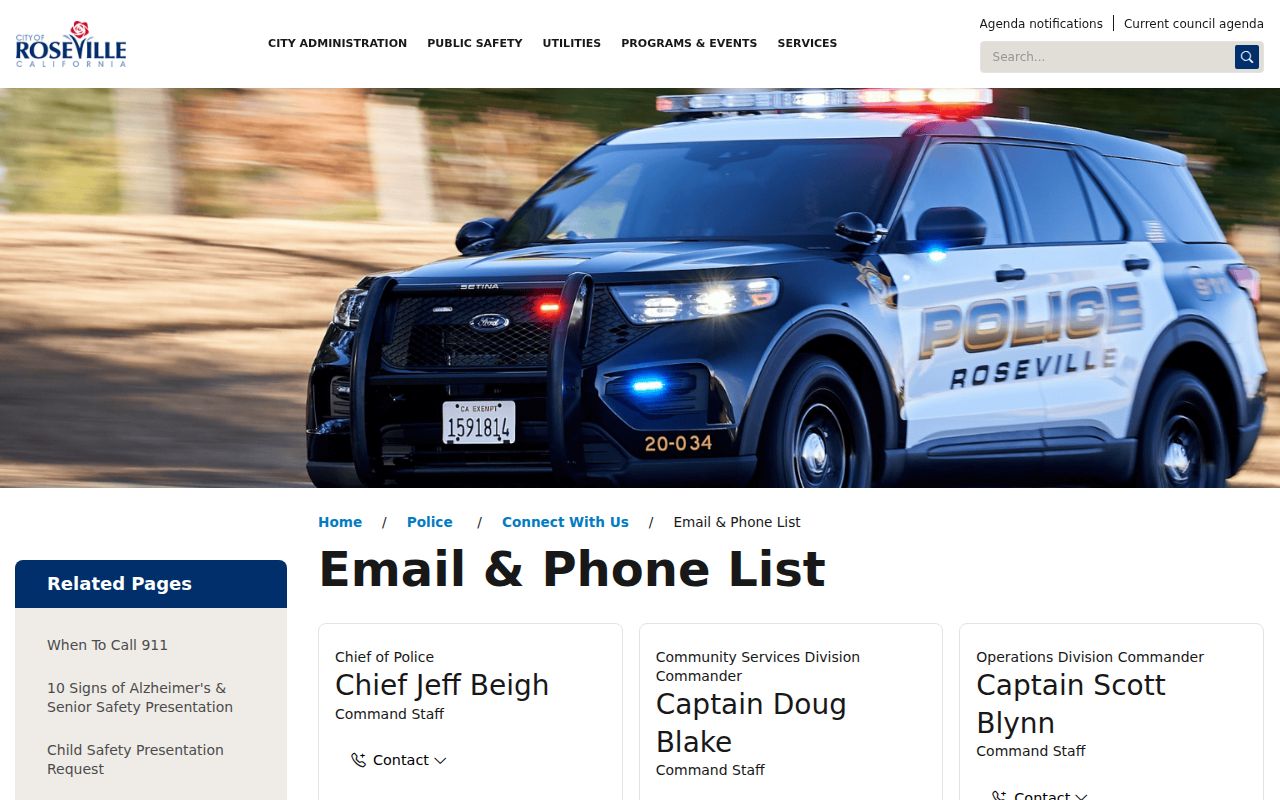
Its repeated entry format makes work contact details easier to compare without treating the list as a directory of private residents.
| Person name | Full staff name |
|---|---|
| Role or title | Command, lieutenant, patrol, or management label |
| Unit | Patrol, command staff, investigative division, or another assignment |
| Work phone | Direct line or shared department number, sometimes with an extension |
| City work email address |
When a name is missing, use the department’s main contact page. For records rather than a staff contact, the City Clerk and the city request portal are the proper fallback. Placer County office pages serve the same role for county staff, while California uses a narrower state personnel-office directory.
Roseville School Directory Fields
The RJUHSD staff directory lists personnel across high schools, adult education, and district departments. It includes teaching and nonteaching roles. Location matters because the district list includes schools beyond the Roseville city line, such as Granite Bay High School, as well as Roseville sites and the Transportation Department.
The live layout is illustrated by this RJUHSD directory view.
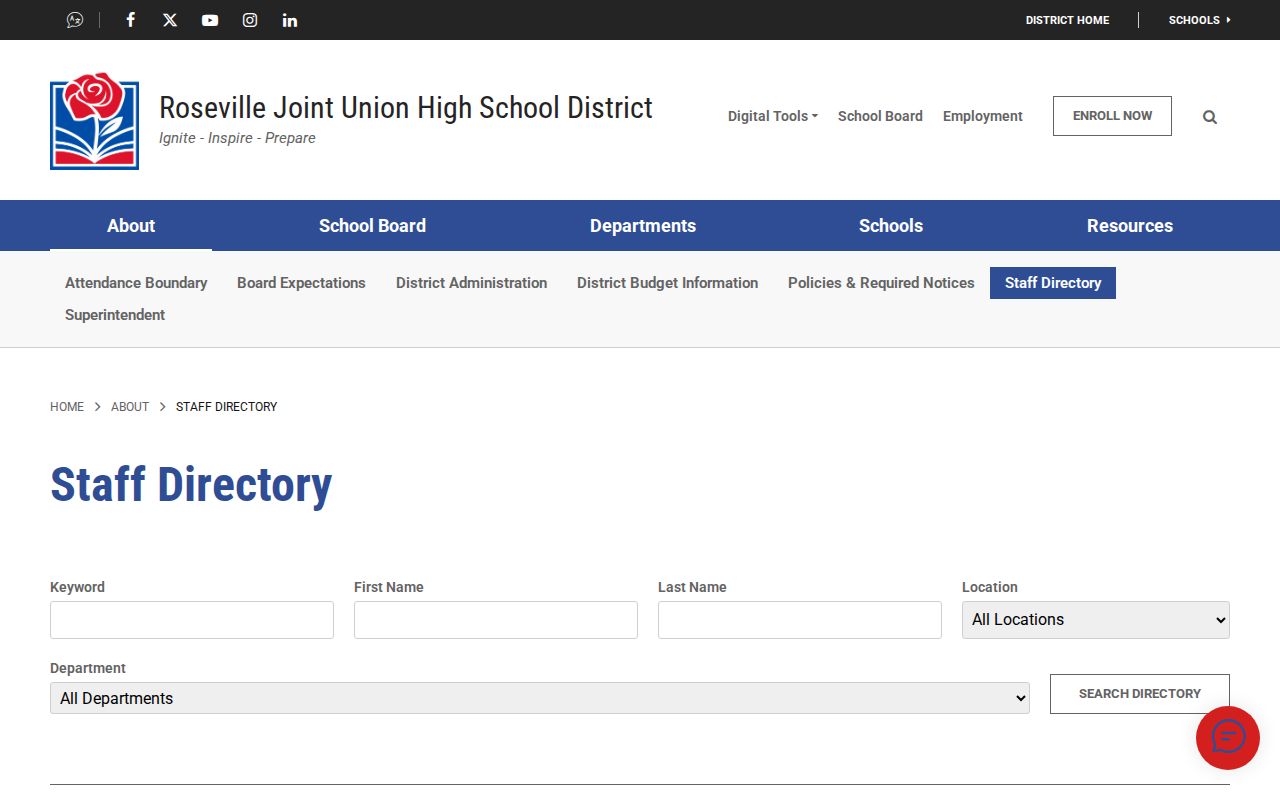
Readers can use the listed school or department to separate similar names before calling a campus.
| Displayed Field | Format | What It Helps Confirm |
|---|---|---|
| Name | Full name | The staff member’s identity |
| Title | Teacher, wellness, bus driver, or support role | The person’s district function |
| Location | School or department | The correct campus or work unit |
| Link or label where available | An official contact route | |
| Phone number | Campus line and extension where provided | A direct or school-level contact |
Sample entries in the research include Sarah Abrahamson at West Park High School, Danelle Adams in Transportation, and Grant Adams at Granite Bay High School. Those examples show why title, location, and extension should be read together. A name alone may not identify the right person.
College Directories Around Roseville
Sierra College’s nearby Rocklin campus adds another education directory. The Sierra College employee and office directory covers employees, offices, and departments, with phone numbers and email addresses. That wider scope helps when the known fact is a program or office rather than a person’s full name.
Its official presentation appears in this image of the Sierra College directory.
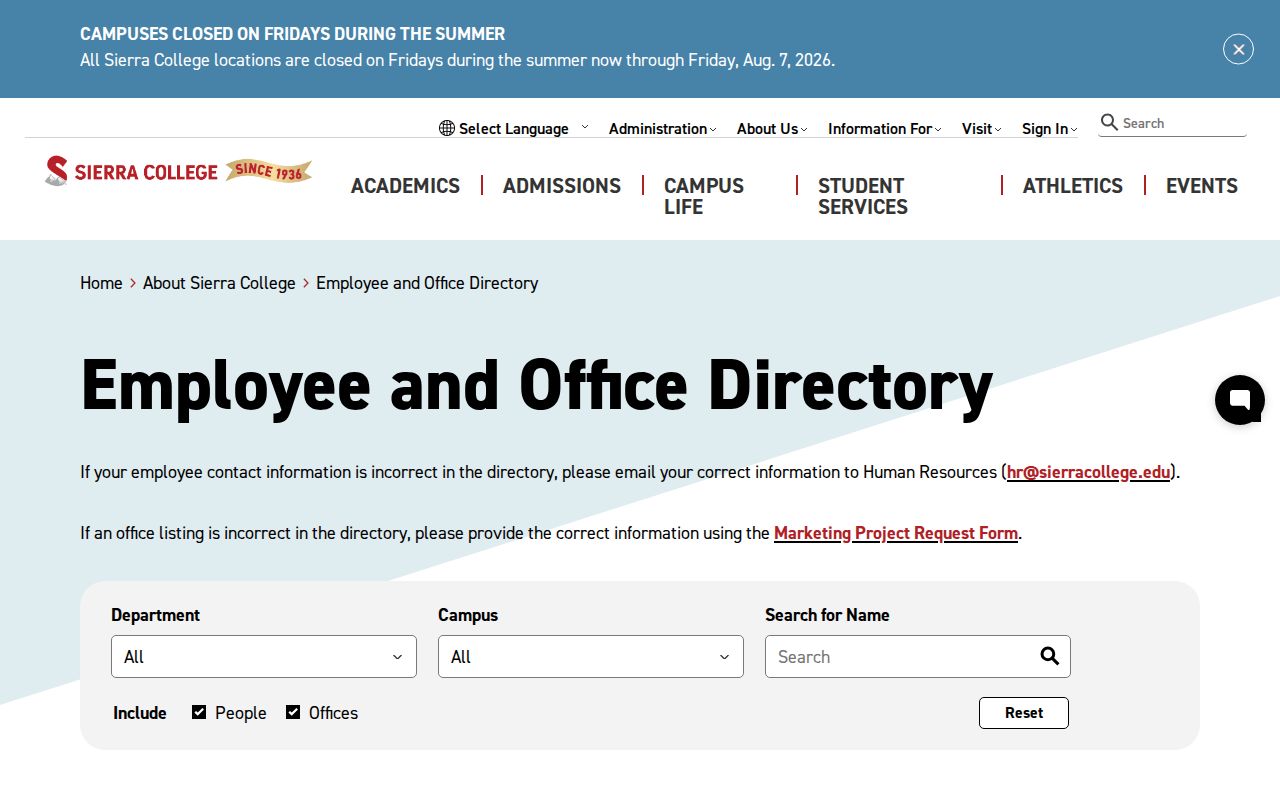
The ability to browse offices and departments gives Roseville-area searches a useful path when spelling or staff status is uncertain.
Education directory coverage is current, not archival. Former students, alumni, and yearbook-era residents require the library, an archive, or the institution’s own records staff. Public staff listings should also be used for legitimate contact, never to harass a person.
State Directory Scope for Roseville
The California Personnel Office Directory sounds broader than it is. It lists state personnel-office contacts and units, not every state worker. The State Controller’s directory uses an alphabetic browse from A through Z, with a separate CSU choice. Agency records can include contact names, phones, emails, physical and mailing addresses, and agency codes.
The alphabetical route is shown in this image of the California Personnel Office Directory.
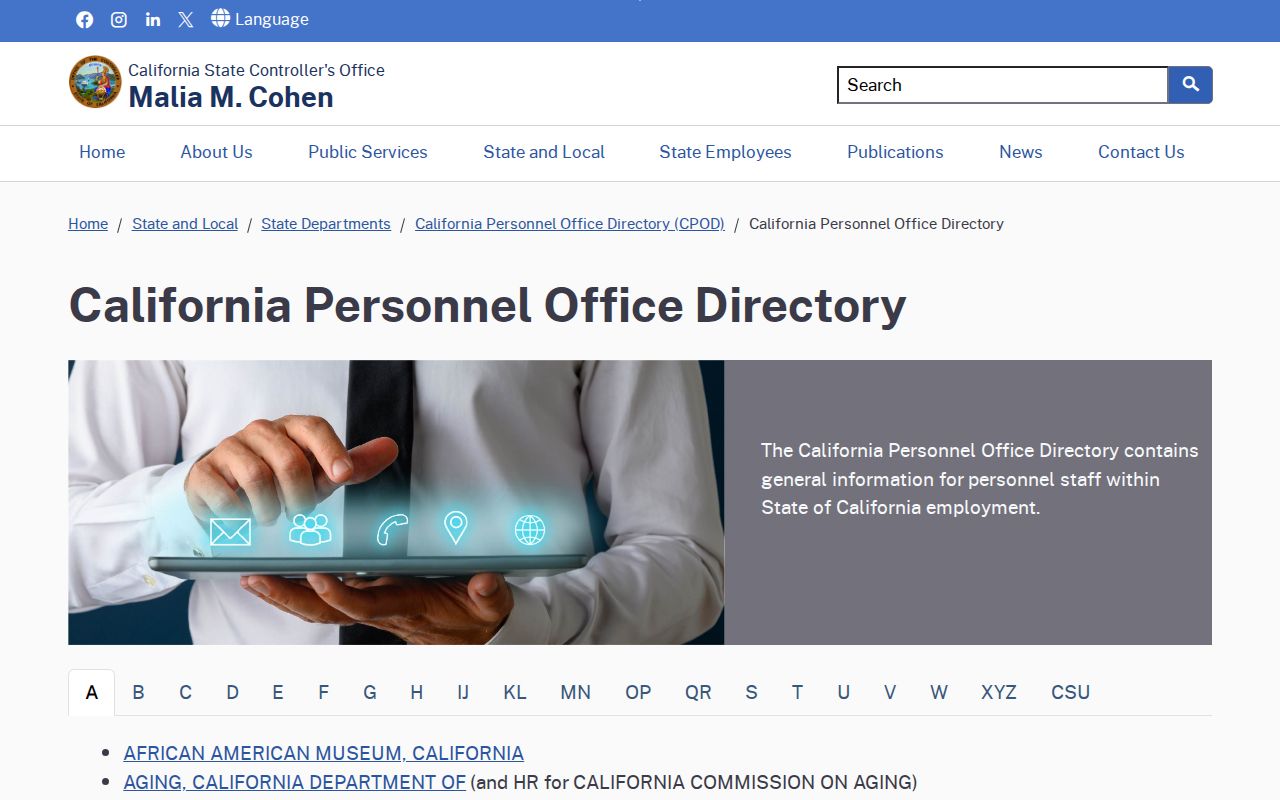
Because it is organized around personnel offices, the directory works best when the state department or campus is already known.
Start with the agency’s first letter, then read the department entry for the right office and address. If the person sought is not a personnel contact, move to that agency’s own public directory or main line. This is an office-routing tool, not a statewide private-person list.
Roseville Property Directory Geography
Placer County property tools turn an address into a directory trail. The Assessor Property Details entry accepts a Fee Parcel Number, Assessment Number, or Aircraft Tail Number after the user accepts a disclaimer. It does not advertise an owner-name search. The tax system accepts a parcel, assessment, or street address and includes current records plus historical roll choices from 2019 through 2025.
A situs address means the physical property location. The mailing address is where the tax bill is sent. Placer’s sample bill separates the two, so the mailing address may point to an owner who lives elsewhere, a trust, a relative, or a business contact. If an address search fails, county help suggests omitting suffixes such as Street or Road and shortening a direction like West to W.
Roseville edge check: A Roseville mailing label may sit near Rocklin, Granite Bay, unincorporated Placer County, or the Sacramento County edge, so confirm jurisdiction in GIS.
The recorder index then works as a name directory for grantors and grantees on deeds, liens, releases, and maps. Court search works similarly for parties on public cases. The Roseville public records page covers access rules and copy channels without turning these indexes into general resident lists.
Roseville Business License Directories
Business and professional directories link names to regulated work, filed entities, and trade names. California bizfile Online can show entity names, numbers, status, agents, addresses, and officers or managers when filed. Its UCC side searches financing records by debtor name, secured-party name, or file number. Placer County fictitious business name statements connect registrants with business names and filing dates.
The Department of Consumer Affairs license search covers many licensed fields. Separate boards serve contractors, real estate licensees, attorneys, nurses, and teachers. Typical results include a licensee name, license type or number, status, and discipline where the board publishes it.
- Fictitious business name
- A filed trade name that may connect a business label to its registrant.
- UCC filing
- A commercial lien record that may identify a debtor, secured party, and filing number.
- License status
- The board’s current statement that a credential is active, inactive, suspended, expired, or otherwise classified.
Roseville lists local business licensing among its city services, but the research did not locate a public city business-license search form. Use the city office as a fallback instead of assuming the state entity record proves a local license.
Roseville Directory Help for Families
Modern portals often fail when the goal is to identify a past resident, reconnect a family line, or understand an old neighborhood. The Roseville Local History Center at the Downtown Library holds documents, photographs, and information about Roseville’s past. Its Family History Collection and Roseville Genealogical Society docent hours add human help to the catalog.
The official resource is shown in this image of the Local History Center.
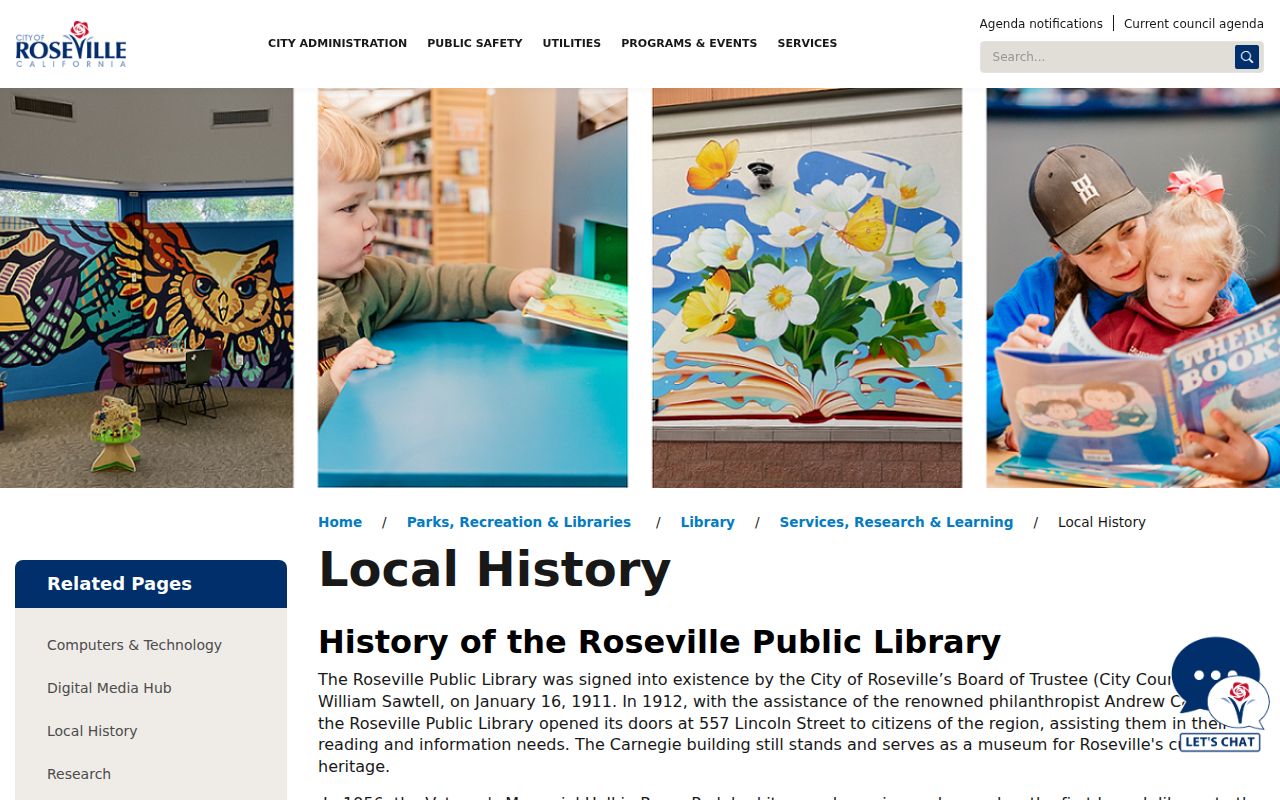
That staff-assisted route is valuable when a surname, rail connection, school, or street is known but the exact source title is not.
The Placer County Genealogical Society resource list expands the path to county archives, museums, cemetery records, historical groups, and the Pre-1905 Death Index reference. A view of those linked resources appears below.
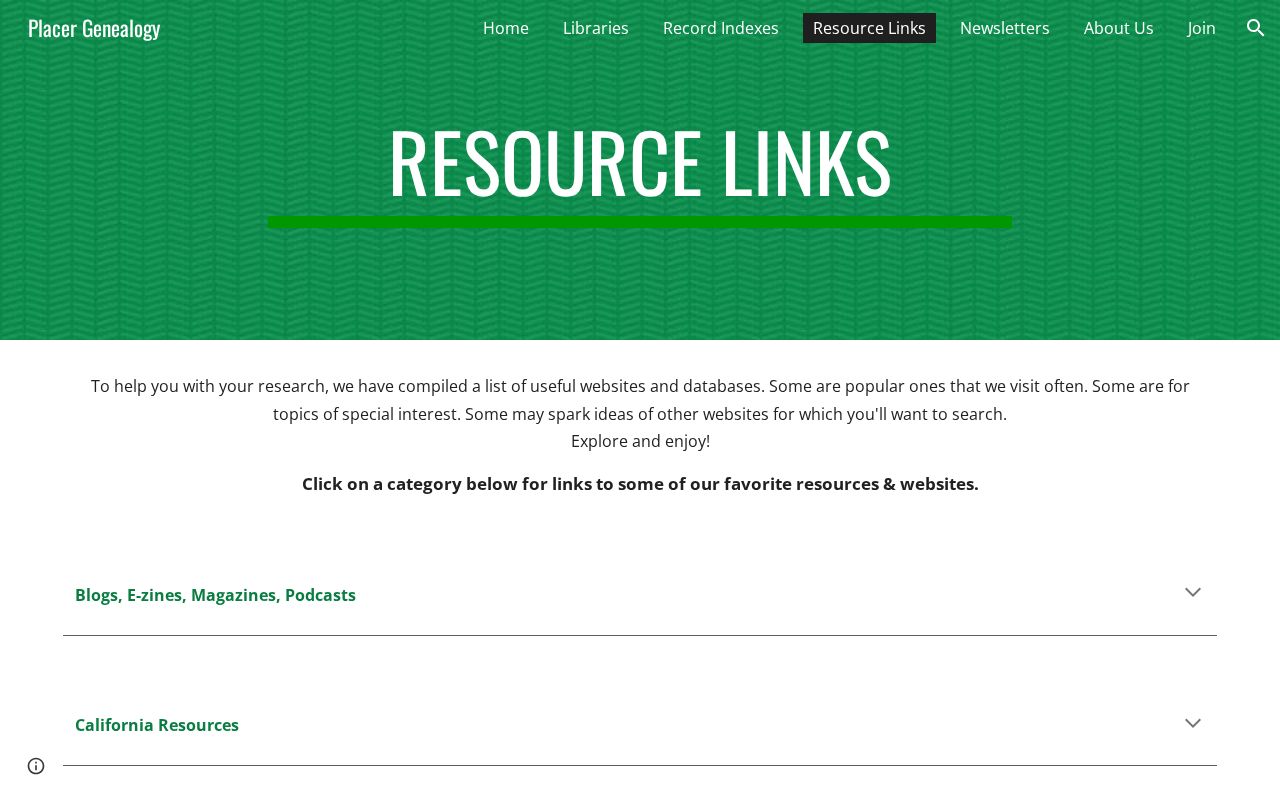
Together, the city center and county society provide a practical fallback when an online directory has no entry or no historical depth.
Roseville Library Directory Timeline
Roseville’s library history explains why older people directories may sit in more than one institution or format. The Board of Trustees signed the public library into existence in 1911. A Carnegie-assisted library opened the next year, and that building now serves as a cultural heritage museum. Collections and services later moved through branches and into the Downtown Library.
- 1911: Roseville’s Board of Trustees signed the public library into existence.
- 1912: The Carnegie library opened at 557 Lincoln Street.
- 1956: Veterans Memorial Hall in Royer Park became a branch location.
- 1979: Books and materials moved from the Carnegie building to the Downtown Library off Taylor Street.
- 2008: Martha Riley Community Library opened.
- 2011: Maidu Museum and Historic Site merged with library services.
Roseville’s railroad past also shapes directory research. Pacific Fruit Express and the rail yards drew workers and families whose names may occur in phone books, city directories, school records, veterans material, photos, and newspapers. Those sources can add context that a deed alone cannot provide.
Tracing Roseville’s Historical Directories
The Local History Center confirms photographs, documents, a Family History Collection, catalog access, staff help, and genealogy docent hours. It does not publish exact holdings years for city directories, reverse directories, phone books, yearbooks, newspapers, or obituary indexes. Those gaps should be handled with a catalog search or a direct library question, not with guessed year ranges.
Historical directory terms describe different tools. A city directory usually groups residents or businesses by name. A reverse or criss-cross directory begins with a street address or telephone number. A yearbook ties a name to a school and year. Cemetery registers and county death indexes can add dates and family links when a household does not appear in a city volume.
For a focused request, provide the full or partial name, an estimated year, a school or employer if known, and a Roseville street or neighborhood. Ask staff which source types cover that period. A directory match can then be compared with county deeds, probate files, public marriage records, cemetery sources, or census records to avoid merging two people with the same name.
Note: The Local History Center’s exact city-directory and reverse-directory year runs were not published in the official source reviewed for Roseville.